Wireguard
Wireguard proporciona confidencialitat i autenticitat entre dos adreçes IP
Introducció
Wireguard és aplicació que permet crear xarxes privades virtuals.
Crea tres màquines virtuals: box-1, box-2 i box-3 a Isard.
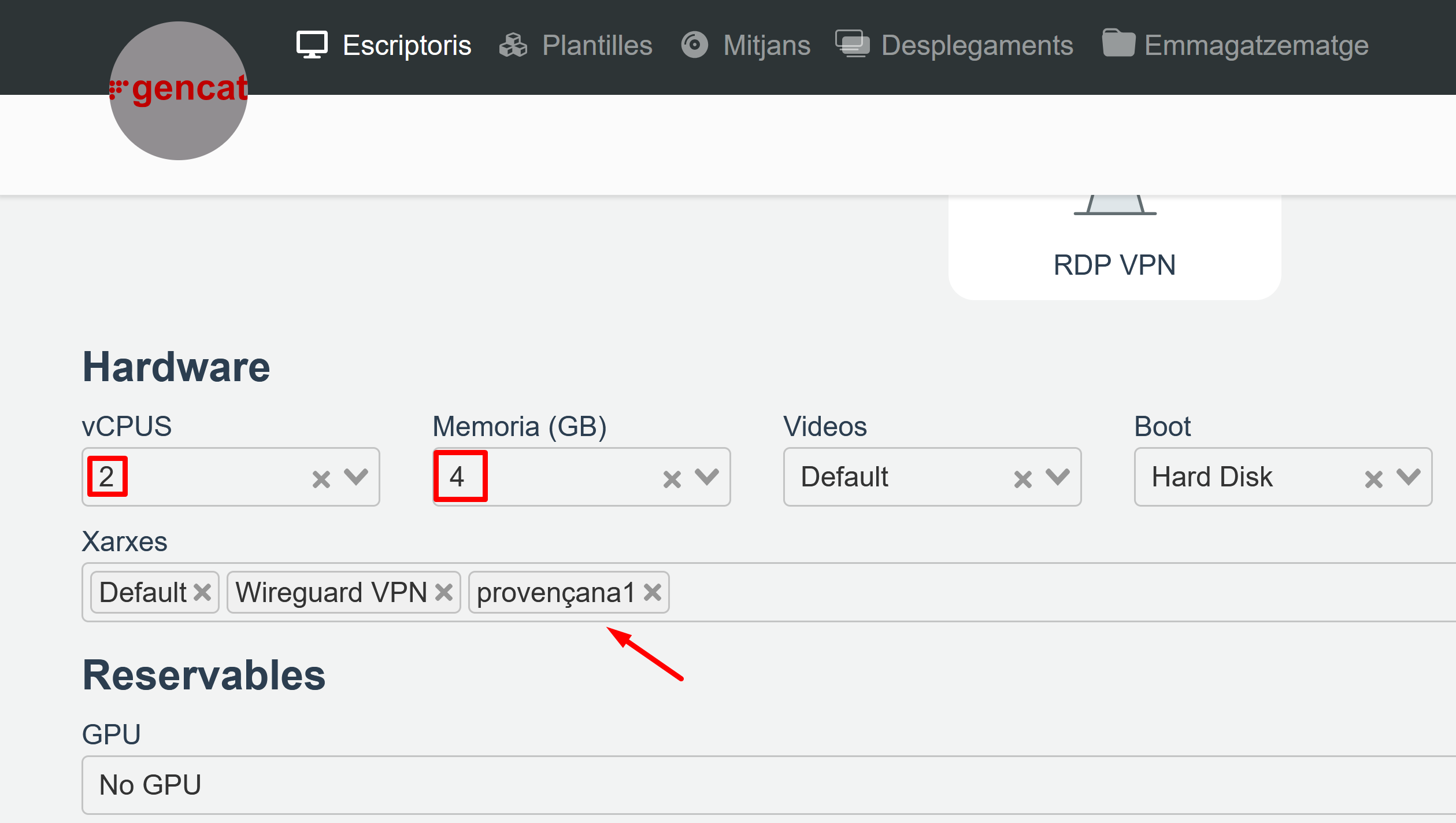
Les màquines han de ser “Ubuntu 24.04 Server” amb 2 CPU, 4 GB de RAM i una interfície de l’institut:
Connecta’t a la màquina box-1 amb ssh!
Activa les interfícies enp3s0 amb una IP fixa:
Fes el mateix amb box-2 (IP 10.0.0.102/24).
Verifica que pots fer ping des de box-1 a box-2:
) )
El primer pas és instal·lar WireGuard :
&& Interfície
Wireguard s’integra de manera completament transparent amb la resta d’elements del sistema perquè el que fa és crear interfícies virtuals que externament funcionen com qualsevol altra interfície física.
Afegeix una nova interfície mitjançant ip-link:
Estàs llegint una vista prèvia.
Inicia sessió amb Google per llegir la pàgina completa.
Inicia sessió amb GoogleAmb qualsevol compte de Google. Només et demanarem que acceptis les condicions del servei.