Module
An Amper module is a directory with a module.yaml configuration file, and optionally sources and resources.
Introduction
Amper …
An Amper module is a directory with a module.yaml configuration file, and optionally sources and resources. A module configuration file describes what to produce: e.g. a reusable library or a platform-specific application.
Module layout
Here are typical module structures at a glance:
my-module/
├─ resources/
│  ╰─ logback.xml
├─ src/
│  ├─ main.kt
│  ╰─ Util.java
├─ test/
│  ╰─ MainTest.java
│  ╰─ UtilTest.kt
├─ testResources/
│  ╰─ logback-test.xml
╰─ module.yaml
All sources and resources are optional: only the module.yaml file is required. For example, your module could get all its code from dependencies and have no src folder.
TODO: https://amper.org/latest/user-guide/basics/#module-file-anatomy
Working environment
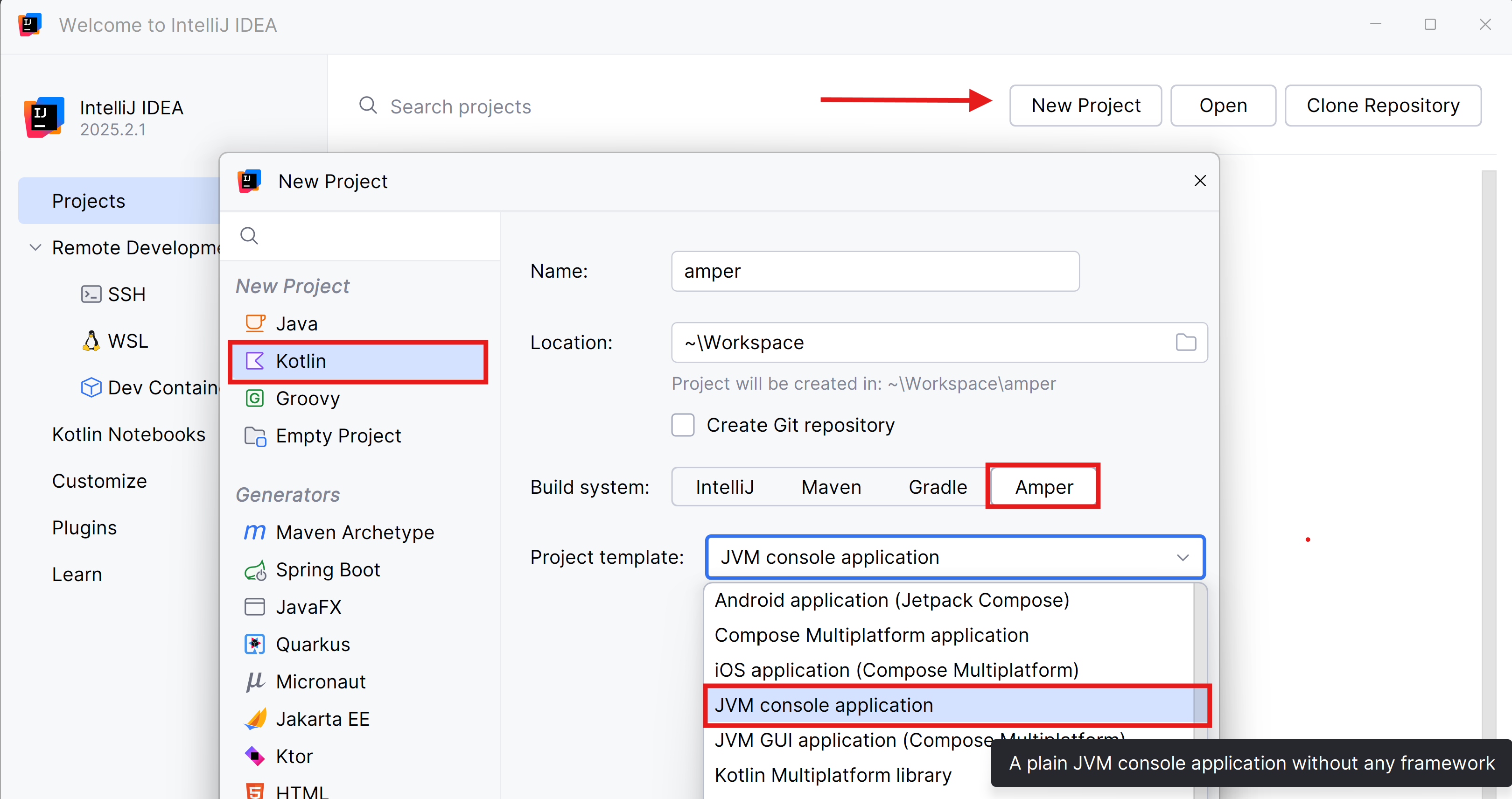
Open the IntelliJ IDEA editor and install the Amper plugin.
Create a “JVM console application” project:
Module
An Amper module is a directory with a module.yaml configuration file, source files, and resources that describes a single product.
A module configuration file describes what to produce: for example, a reusable library or a specific application for desktop, Android, or other platforms.
Since you’ve created a simple JVM project, the content of the module.yaml file is minimal.
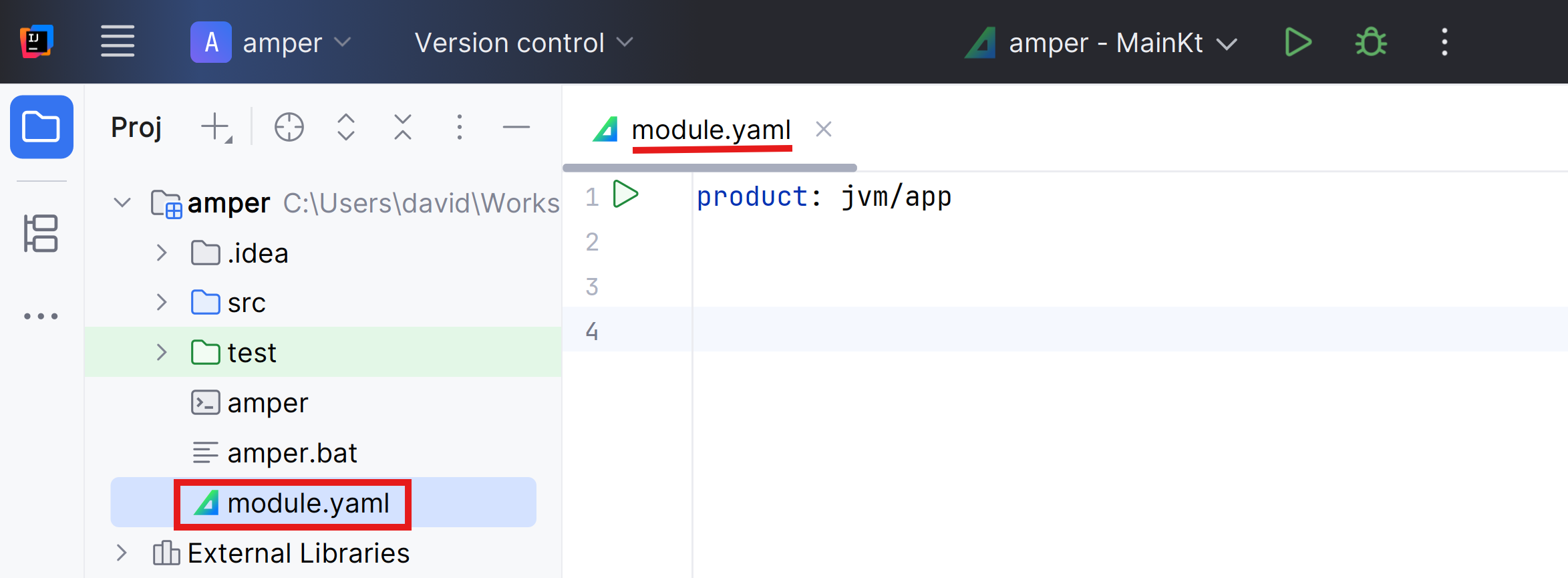
The file is in YAML format (check the activity if you don’t know what it is).
A module consists by default of the src and test folders.
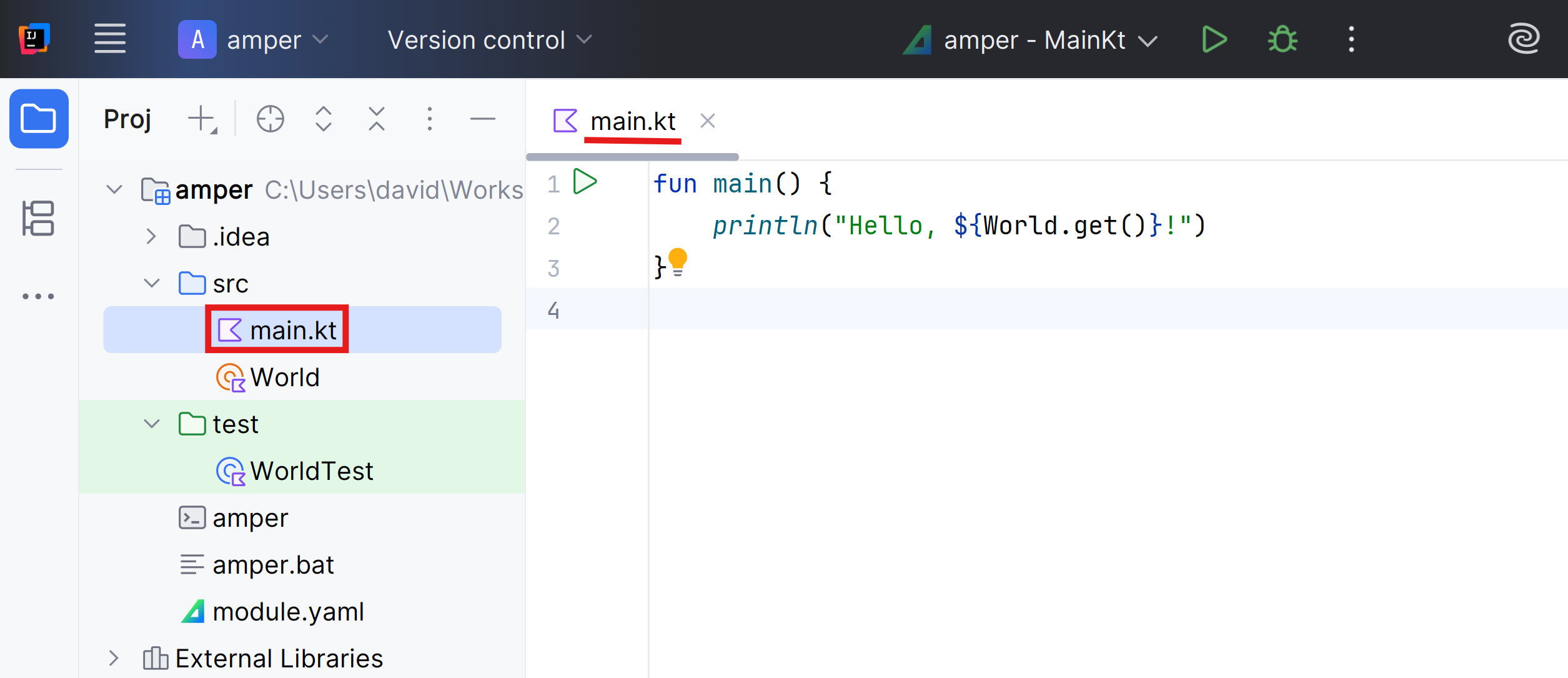
The main.kt and WorldTest.kt files are normal Kotlin files with nothing special.
To run an application, use the ‘run’ icon (product section of the module.yaml file:
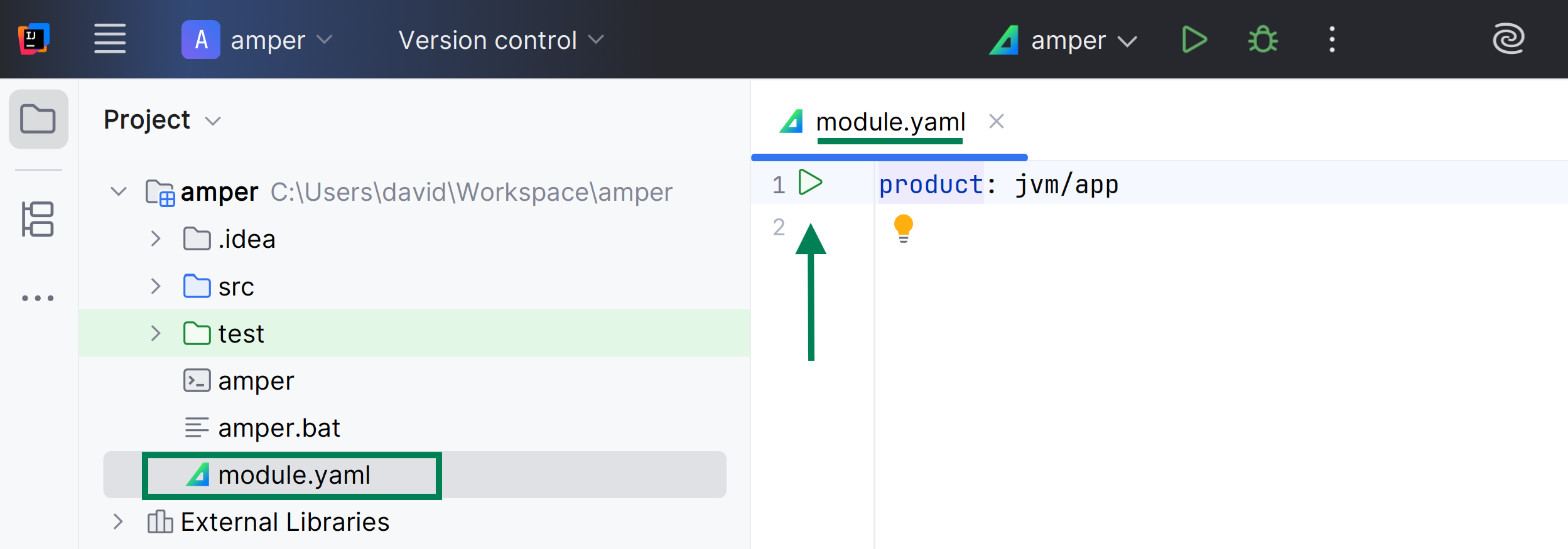
You can also use the ‘run’ icon ( main() function:
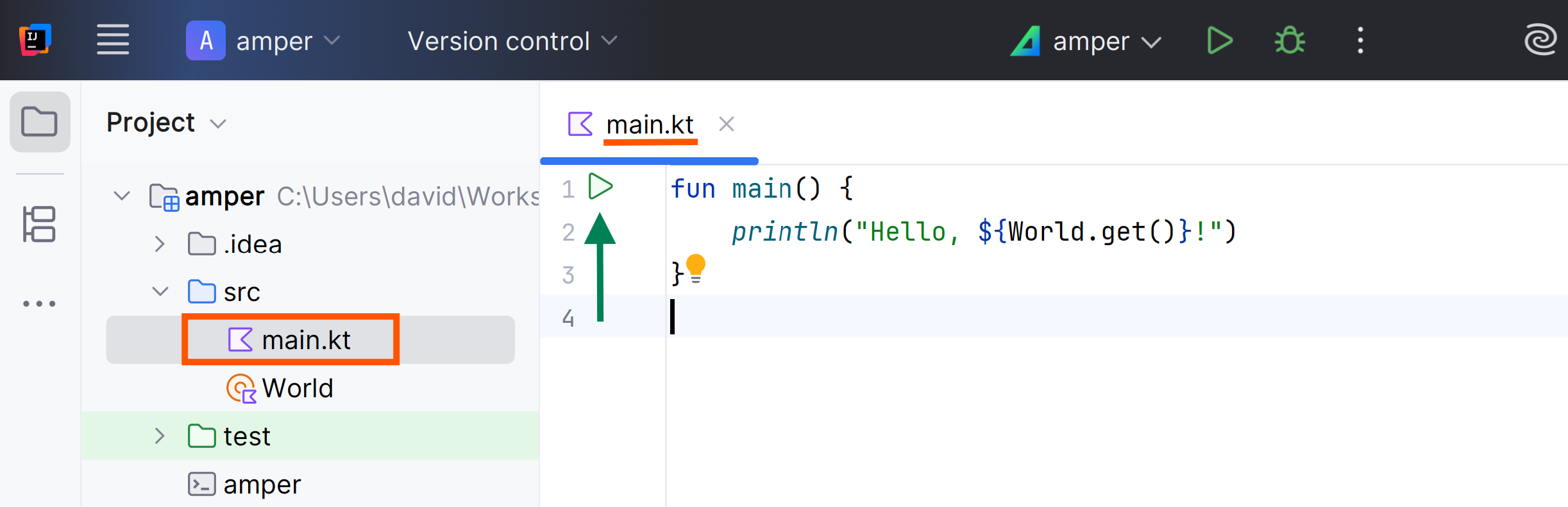
Source code
Source files are located in the src folder:
|-src/
|  |-main.kt
|-module.yaml
By default, the entry point for JVM applications (the main function) is expected to be in a main.kt file (case-insensitive) in the src folder.
This can be overridden by specifying an explicit main class in the module configuration:
product: jvm/app
settings:
  jvm:
mainClass: dev.xtec.TotoKtEstàs llegint una vista prèvia.
Inicia sessió amb Google per llegir la pàgina completa.
Inicia sessió amb GoogleAmb qualsevol compte de Google. Només et demanarem que acceptis les condicions del servei.